How to Oval Crop an Image Online for Free (Ellipse Shape Guide)
Not every rounded crop needs to be a perfect circle. Sometimes an oval (ellipse) shape works better — especially for portrait photos, decorative frames, or vintage-style designs. An oval crop gives you the flexibility to keep more of the image vertically or horizontally while still removing the sharp corners.
Circle vs. Oval Crop: What Is the Difference?
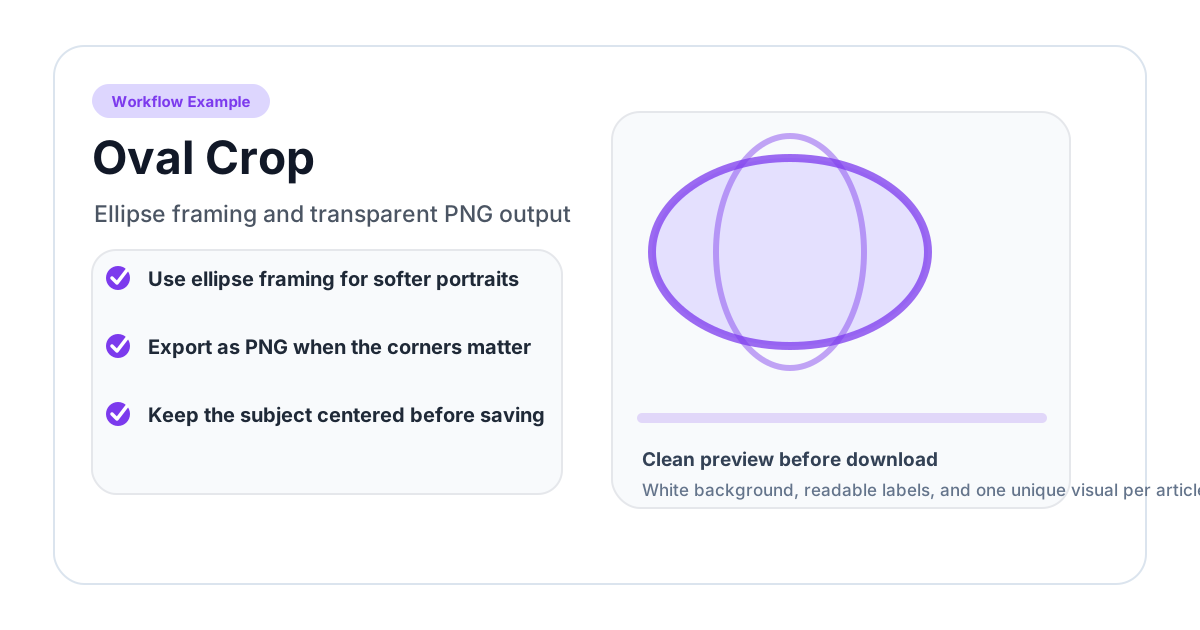
A circle crop uses equal width and height, creating a perfectly round shape. An oval crop (also called an ellipse crop) allows different width and height values, creating an elongated round shape.
| Feature | Circle Crop | Oval Crop |
|---|---|---|
| Shape | Perfect circle | Ellipse (elongated) |
| Width & Height | Equal | Independent |
| Best for | Profile pictures, avatars | Portraits, decorative frames |
| Aspect ratio | Always 1:1 | Flexible |
Choose a circle when you need symmetry (profile pictures, icons). Choose an oval when you want to preserve more of the image in one direction.
How to Oval Crop an Image (Step-by-Step)
Step 1: Open the Oval Crop Tool
Go to the Oval Crop tool. This tool is specifically designed for elliptical cropping with adjustable proportions.
Step 2: Upload Your Image
Click the upload area or drag and drop your photo. The tool accepts all common formats: JPG, PNG, WebP, and more.
Step 3: Adjust the Oval Shape
Unlike a circle crop, the oval crop lets you control the shape in two directions:
- Drag the top/bottom handles to change the height
- Drag the left/right handles to change the width
- Move the entire oval to reposition it over your subject
This gives you full control over the ellipse proportions.
Step 4: Download
Click download to save your oval-cropped image as a PNG with a transparent background.
When to Use an Oval Crop
Portrait Photography
Oval frames have been used in portrait photography since the 19th century. They draw the eye to the face while softly removing distracting background elements. An oval crop is a quick way to achieve this classic look digitally.
Decorative Design Elements
Oval shapes appear frequently in:
- Wedding invitations and save-the-dates
- Vintage or retro-style graphics
- Certificate and diploma designs
- Product labels and packaging
Cameo-Style Images
The cameo — a small portrait in an oval frame — is a timeless design element. Use an oval crop to create cameo-style images for websites, printed materials, or social media.
Fitting Narrow Spaces
Sometimes your layout has a tall, narrow space (like a sidebar) or a wide, short space (like a banner). An oval crop adapts to these dimensions better than a circle, which forces a 1:1 aspect ratio.
Tips for Better Oval Crops
- Match the subject orientation — Use a vertical oval for standing portraits and a horizontal oval for landscapes or group photos
- Leave breathing room — Do not crop too tightly around the subject. A small margin inside the oval looks more natural
- Consider the background — Since the oval removes corners gradually, make sure the visible background within the oval is clean
- Use high-res images — Oval crops often include more of the image than circles, so starting with a high-resolution source is important
Related Cropping Tools
Looking for a different shape? Try these:
- Circle Crop — Perfect circle crop for profile pictures and avatars
- Heart Crop — Heart-shaped crop for creative projects
- Square Crop — Square crop for Instagram posts and thumbnails
- Round Corners — Keep the rectangular shape but soften the corners
Frequently Asked Questions
Can I control the exact dimensions of the oval?
Yes. The oval crop tool lets you independently adjust the width and height of the ellipse, giving you full control over the shape.
Is the area outside the oval transparent?
Yes. The output is a PNG file with a transparent background. Everything outside the oval is fully transparent.
Can I use the oval crop for batch processing?
Currently the tool processes one image at a time. Each crop takes only a few seconds, so you can work through multiple images quickly.
Does oval cropping work on mobile devices?
Yes. The tool is fully responsive and works on any modern mobile browser. The touch controls make it easy to adjust the oval shape on phones and tablets.
What is the difference between oval crop and rounded corners?
An oval crop creates an elliptical shape and removes everything outside it. Rounded corners keep the rectangular shape of the image but round off the four corners. Use Round Corners if you want to keep more of the image visible.
Related image editing guides
PNG vs JPG vs WebP: Which Image Format Should You Use?
Understand the differences between PNG, JPG, and WebP image formats. Learn when to use each format for web design, social media, printing, and more.
Read guideHow to Blur an Image Online for Free (Full & Partial Blur Guide)
Learn how to blur an image online for free. Apply full blur, background blur, or blur specific areas to protect privacy or create depth effects.
Read guideHow to Flip an Image Online: Mirror Horizontally or Vertically
Learn how to flip an image horizontally or vertically online for free. Mirror any photo instantly — no software installation or signup required.
Read guide